

How to Create and Verify Your OKX Account (2026 Guide)
Getting started with automated grid trading requires a secure, high-performance exchange infrastructure. This step-by-step guide walks you through setting up, securing, and verifying your OKX account safely.
Why OKX for Grid Trading?
Before diving into the setup, it’s essential to understand why choosing the right exchange matters. Automated grid bots execute hundreds of micro-transactions 24/7. High transaction fees or poor platform stability can quickly erode your profits. After testing multiple platforms, OKX stands out due to its deep liquidity, low maker/taker fees, and advanced native bot infrastructure.
To follow along with the strategies on this site, you’ll need an active, verified account. Let’s get you set up properly.
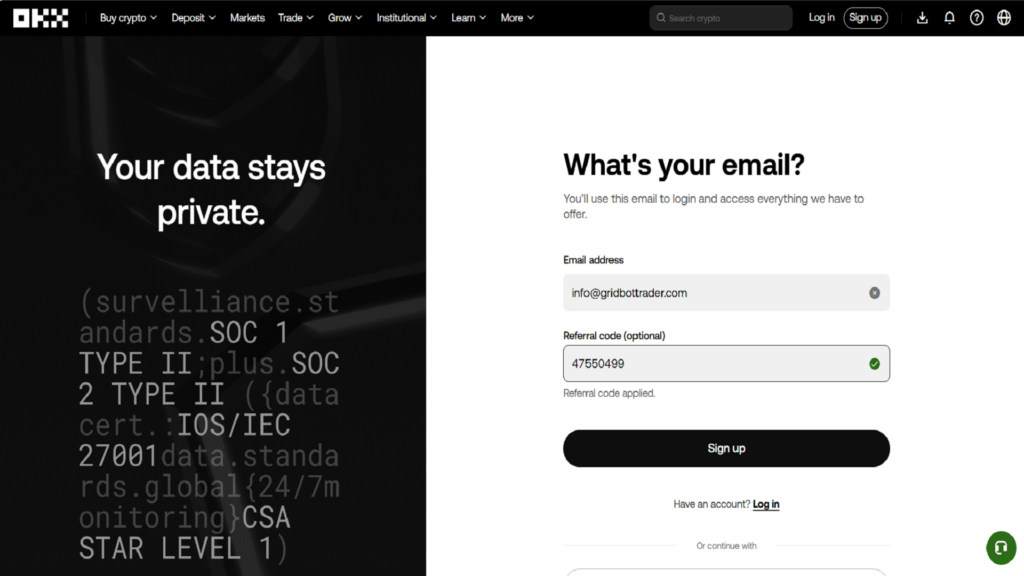
How to Create and Verify Your OKX Account Step 1: Registering Your Account
The registration process takes less than two minutes.
- Head over to the official platform of OKX here.
- Click on the Sign Up button in the top right corner.
- Enter your active email address or mobile phone number (only in the app).
- Create a strong, unique password (use a mix of uppercase letters, numbers, and symbols — never reuse passwords from other financial sites).
- Enter any referral code if applicable (use 47550499 if you want to support us), and click Sign Up.
- Enter the 6-digit verification code sent to your email or phone to complete your registration.
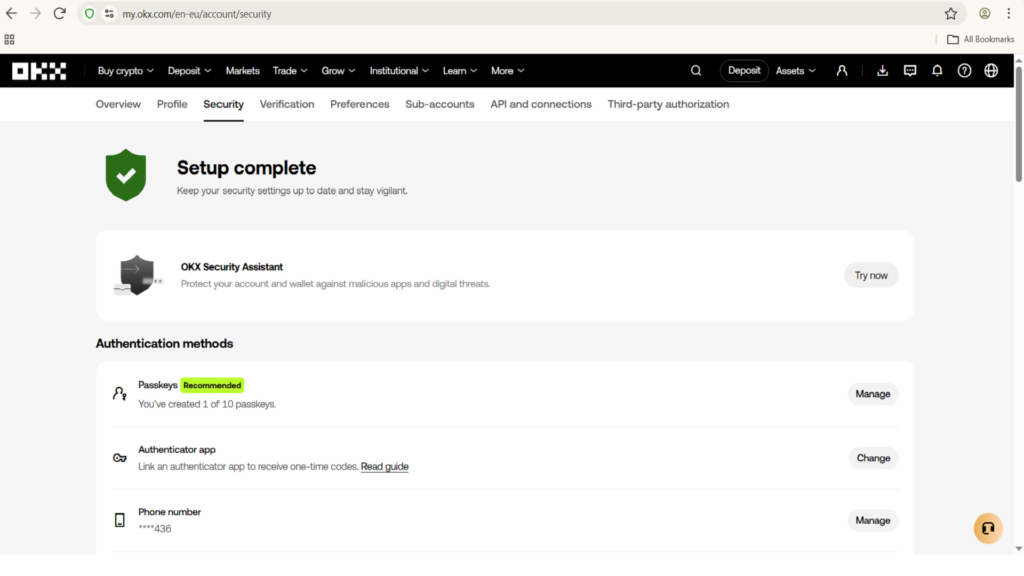
How to Create and Verify Your OKX Account Step 2: Securing Your Account (2FA Settings) Mandatory Security Step
Never fund an exchange account without securing it first. Protecting your capital is rule number one in fintech.
- Once logged in, click on your Profile icon in the top right corner and select Security or go in the browser to my.okx.com/en-eu/account/security.
- Set up Two-Factor Authentication (2FA) by linking Google Authenticator or an equivalent authenticator app.
- Enable Anti-phishing code so that all official emails from OKX include your personal security phrase, protecting you from scam emails.
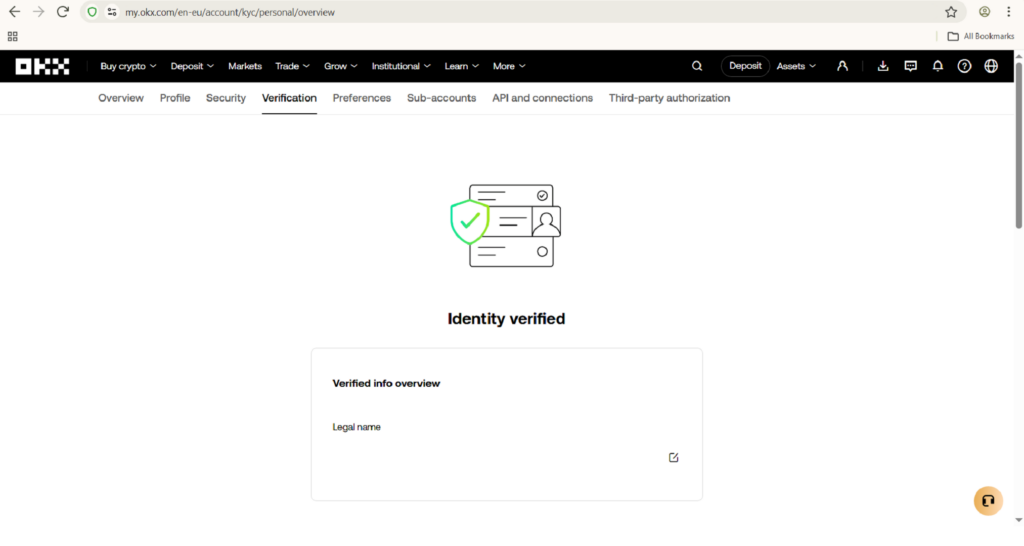
How to Create and Verify Your OKX Account Step 3: Completing Identity Verification (KYC)
Regulatory standards and security protocols require all major exchanges to verify user identities. KYC (Know Your Customer) unlocks full trading limits, deposit options, and features like the trading bot marketplace.
- Go to your profile settings and click on Verification (or Identity Verification).
- Choose Individual Account and click Continue.
- Select your country of residence (e.g., Netherlands) and input your legal personal details as they appear on your official documentation.
- Prepare a valid government-issued document (Passport, Driver’s License, or National ID Card).
- Follow the on-screen prompts to upload photos of your document and complete a quick facial recognition scan using your webcam or phone camera.
- Verification is usually processed automatically within a few minutes. Once approved, your account status will update to Verified.
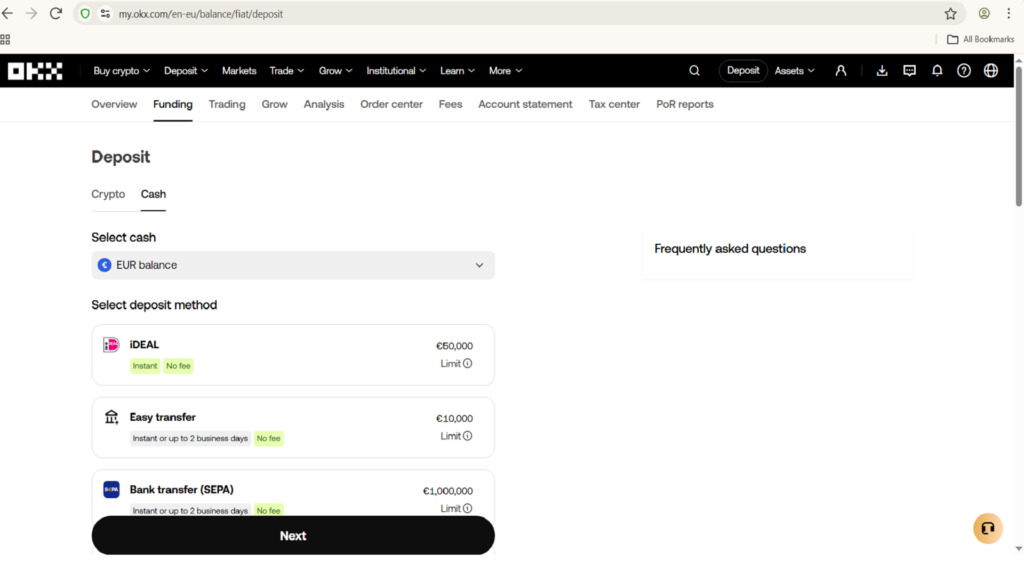
How to Create and Verify Your OKX Account Step 4: Funding Your Account with USDT
To deploy a spot grid bot, you will need capital in your trading account—typically USDT (Tether), as most grid pairs are denominated against it.
- Navigate to Assets in the top navigation bar and click Deposit or Buy Crypto.
- You can either buy crypto directly using a credit card/bank transfer (SEPA) or transfer existing cryptocurrency/USDT from an external wallet or another exchange.
- Once your funds have arrived, ensure they are in your Trading Account (grid bots pull funds directly from the trading balance, not the funding wallet).
Next Steps
Congratulations! Your account is now fully created, secured, verified, and funded. You are ready to deploy your first automated strategy.
Head over to our next guide: How to set up your first bot to learn how to configure your upper/lower limits and launch your first live grid bot.
If you still need help, don’t hesitate to contact us and we’ll help you for free!